How to
Add a Guest Player
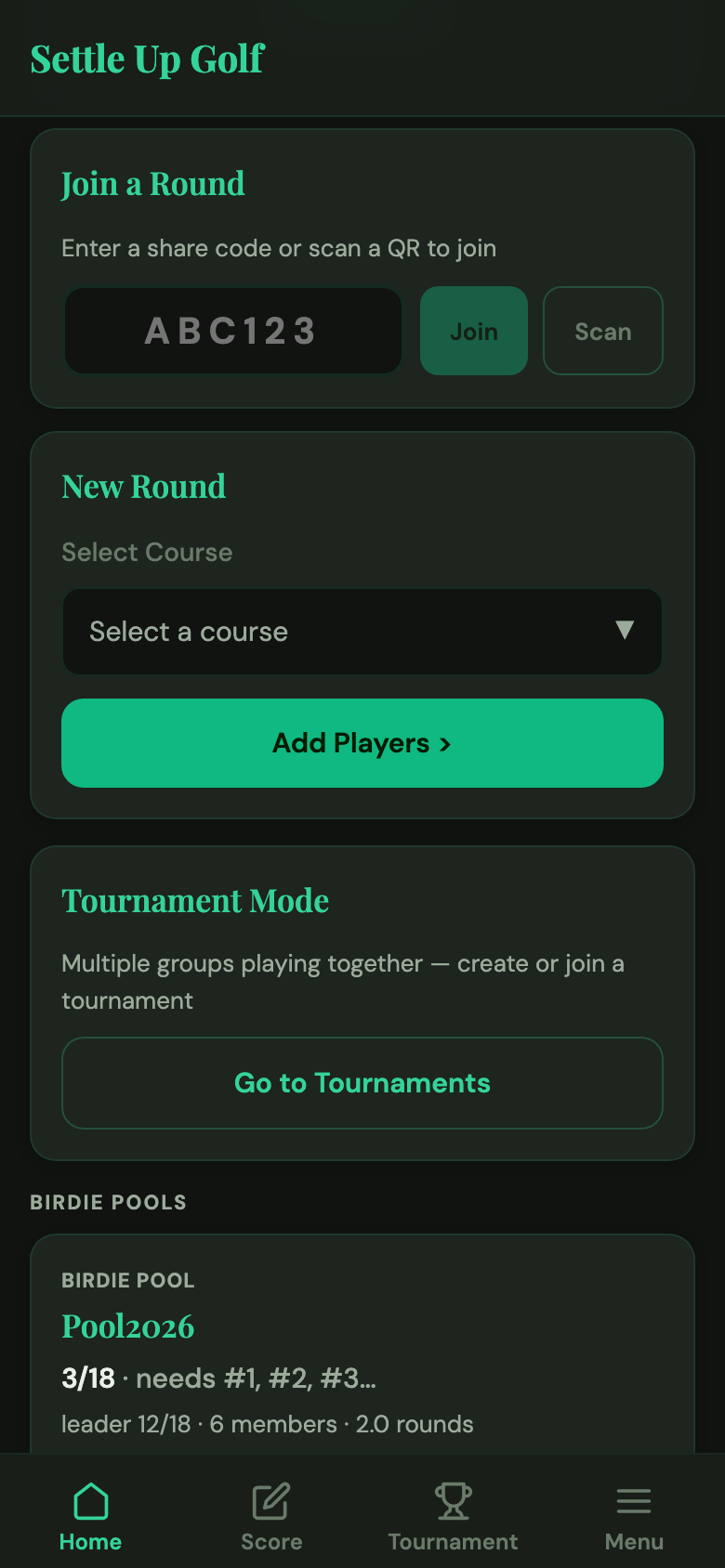
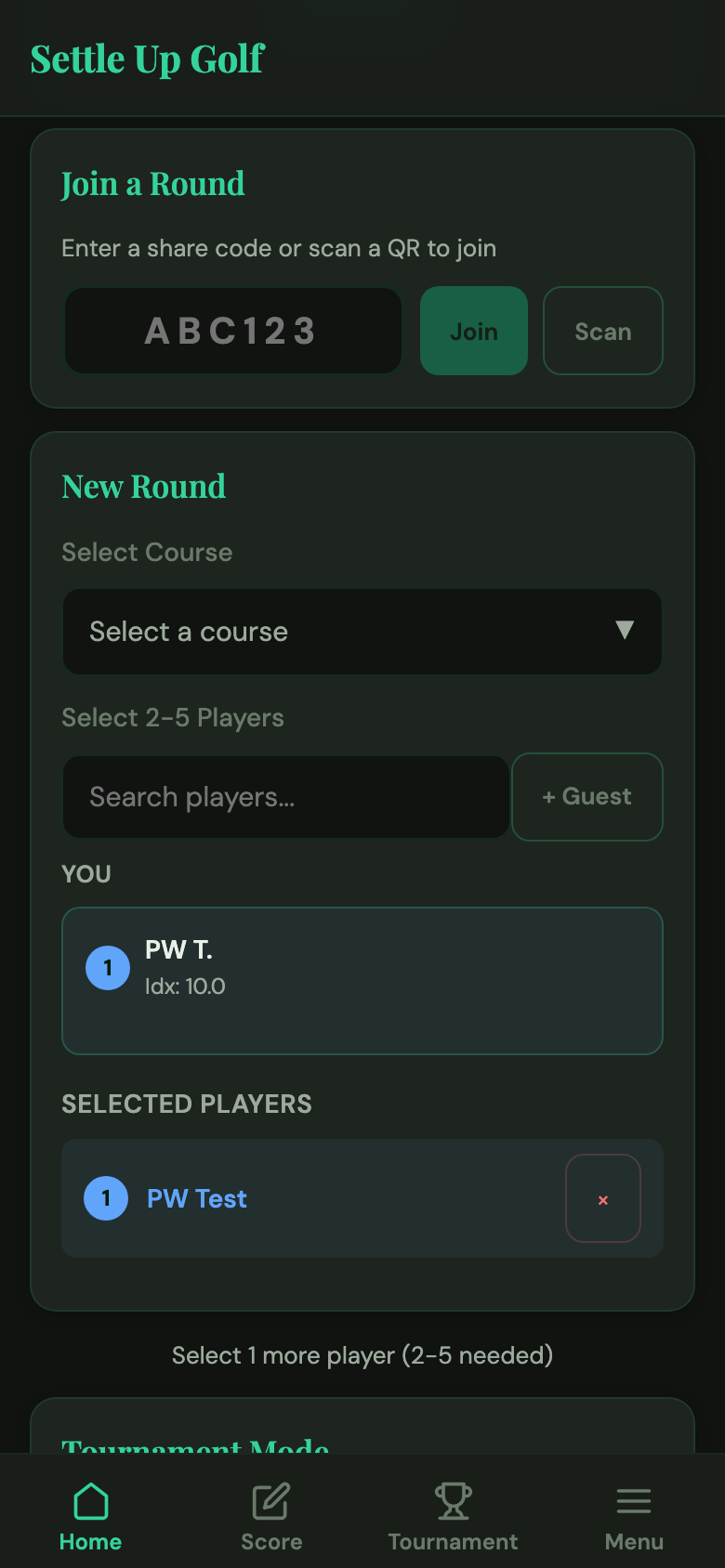
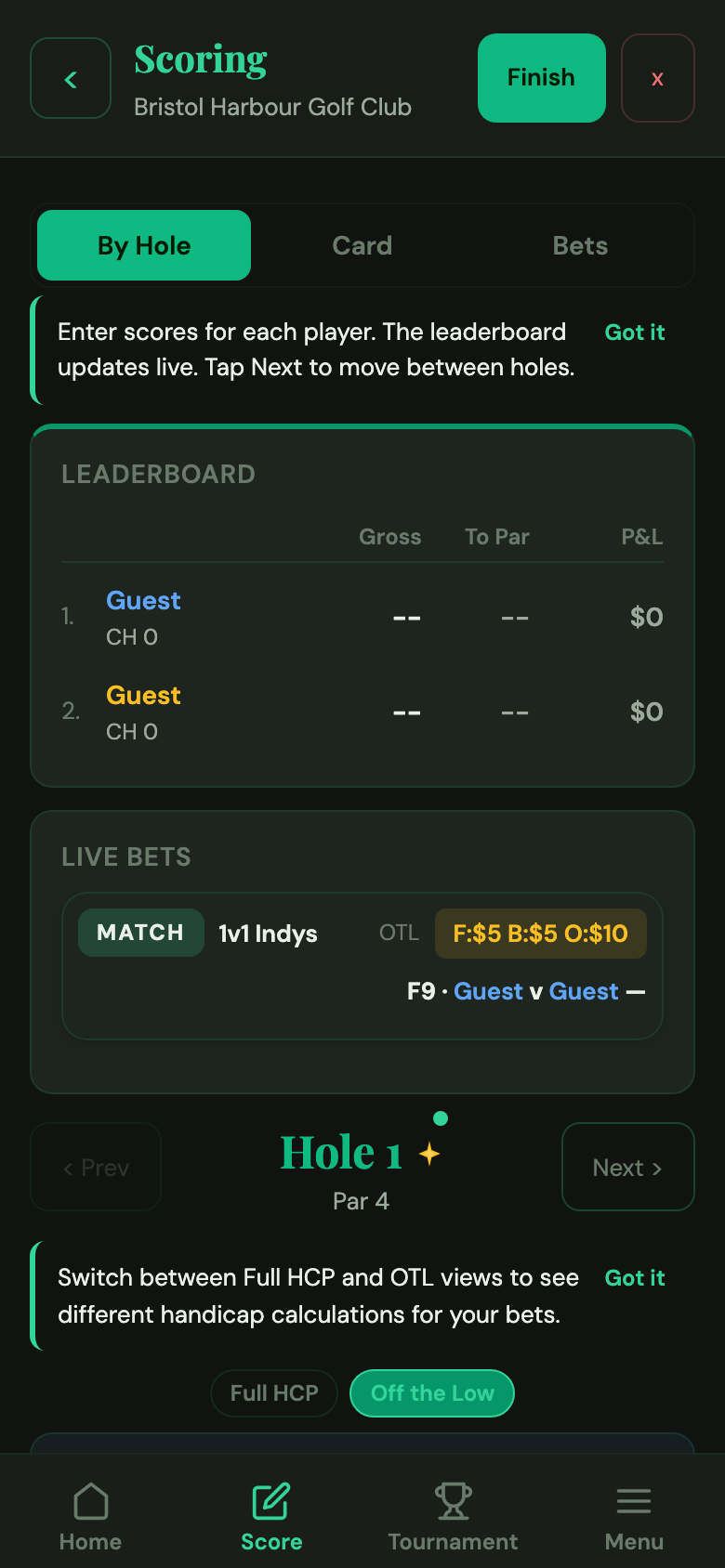
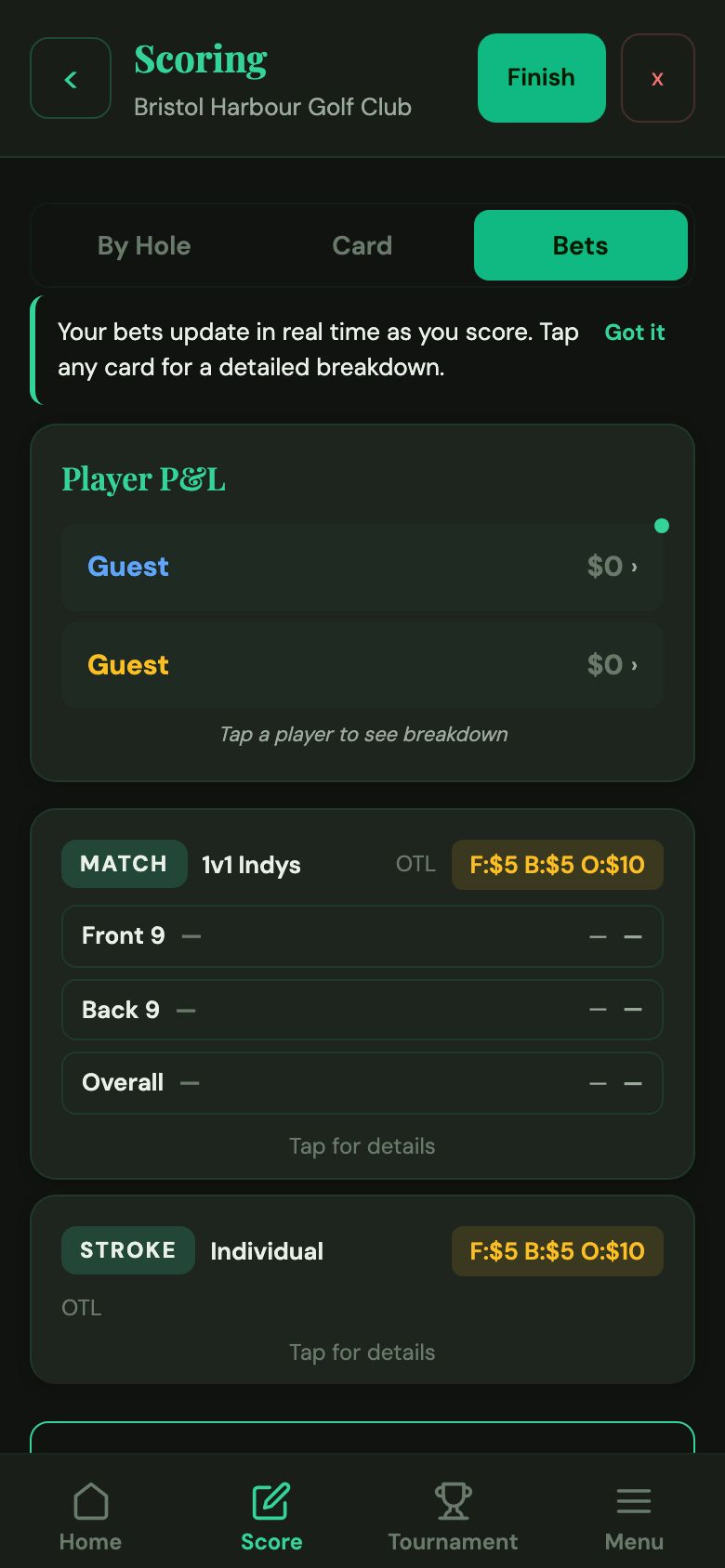
Guests let you score any player who isn't on the app — visiting buddies, one-off players, or a phantom blind when your foursome is one short.
What is a Guest player?
A Guest is a one-off player inside a single round. They're not saved to the global player list, they don't appear in your friends, they don't track stats — they exist only for the current round and vanish from your app once it's finished (the round itself is preserved in history).
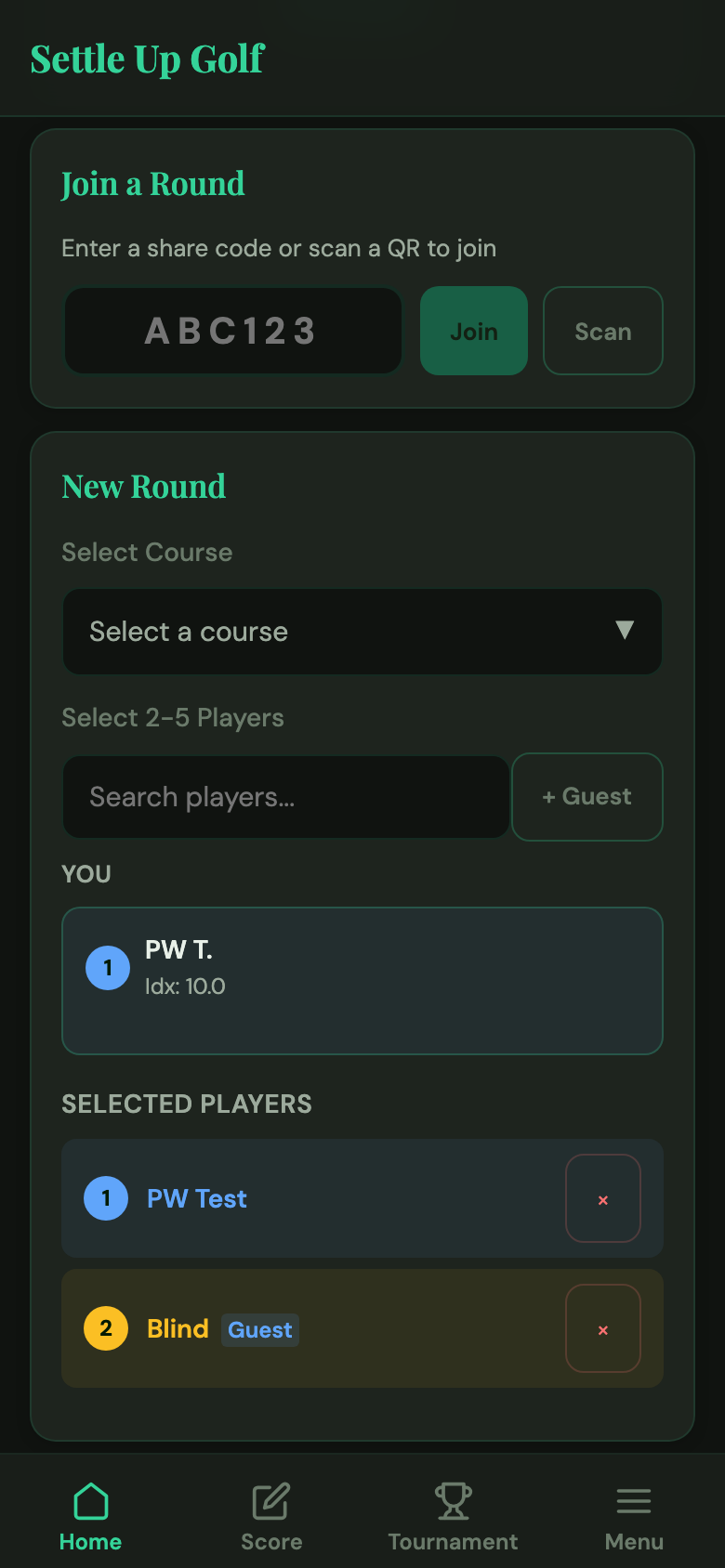
Guests sync across devices mid-round, so anyone who joins the round with a share code sees the same lineup. This is intentional: if you're playing with a buddy who isn't on the app, your opponents still see their name on the scorecard.
When to use a Guest
- Visiting or out-of-town buddy who isn't on the app and isn't worth adding permanently.
- Casual player you're unlikely to round with again.
- Practice round with family or non-golfers who want to post a score.
- Blind placeholder when your foursome is one short and your format needs four players (learn more about blind scoring).
Guests vs linked players
| Feature | Guest | Linked player |
|---|---|---|
| Saved to global player list | No | Yes |
| Appears in stats / leaderboards | No | Yes |
| Can send/receive friend requests | No | Yes |
| Syncs across your devices mid-round | Yes | Yes |
| Visible to others who join the round | Yes | Yes |
| Survives after the round finishes | No | Yes |
Tips
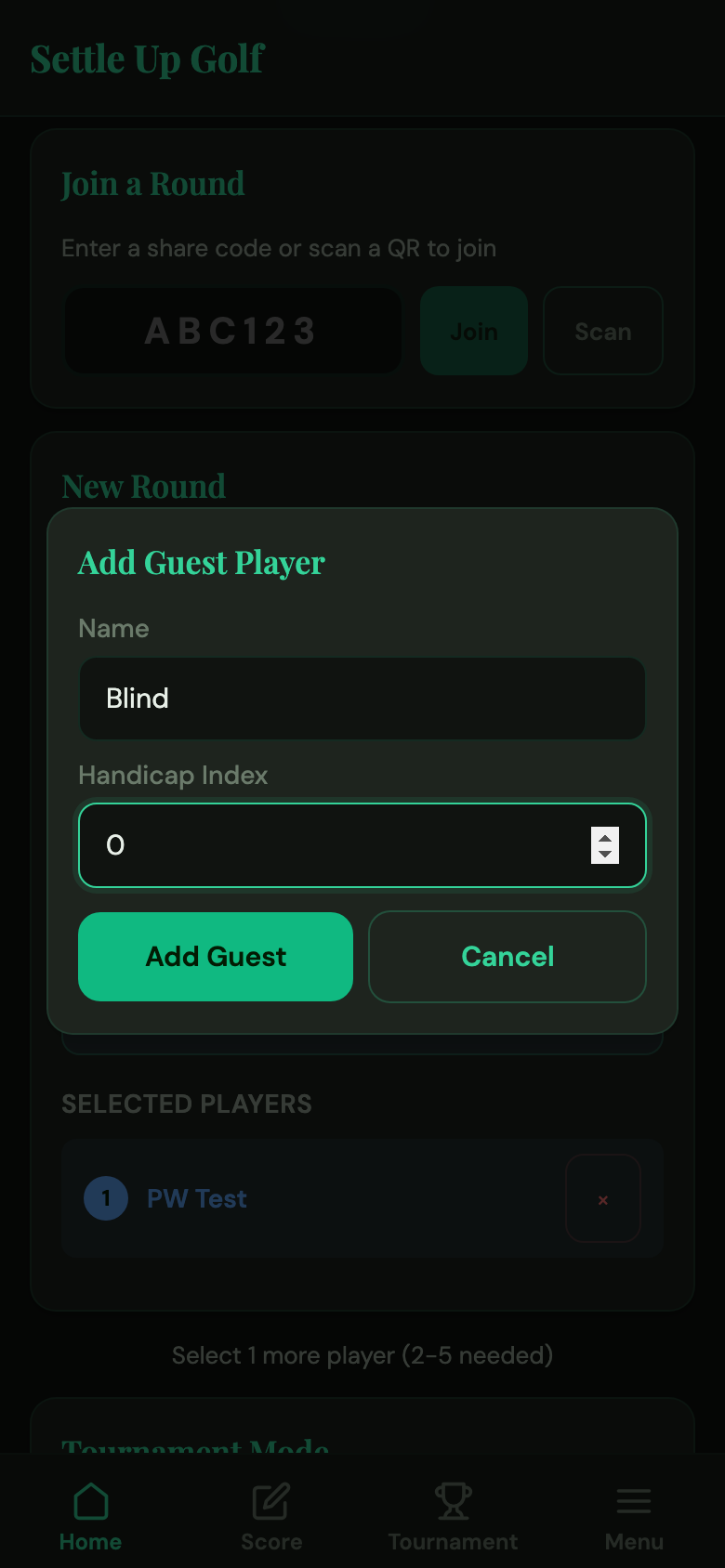
- Name a blind "Blind" so everyone on the card knows what that row is.
- Use handicap 0 + par scores to run a net-par blind with zero math.
- For real guests, enter their actual handicap so net games calculate fairly.
- Guests can appear in the settle up flow with a manual note, but the app can't send them Venmo payments — settle externally.
FAQ
Can a Guest win money?
Yes — Guests score and earn just like linked players inside the round. The settle up flow will show what they owe or are owed.
How do I pay a Guest?
Since Guests have no account, there's no in-app Venmo link. Settle up in person or over your preferred payment app — the amount shown in the settle up sheet is accurate.
Can I convert a Guest to a registered user later?
Not automatically. If a guest signs up for Settle Up Golf later, they'll show up as a new player — you can invite them with your friend code so they appear in future rounds.
Will my friends see Guests in their player list?
No. Guests are scoped to the round they're in. Once the round finishes, the Guest disappears from everyone's player list.
Playing with a phantom?
Learn how the standard "net par" blind convention works and when to use it.
Read: Blind golf scoring →